
i still remember the wave of confusion that followed when users of the 2016 MacBook Pro began reporting strange screen behavior. at first, the complaints sounded minor, dim displays, uneven lighting, or screens that stopped working when opened past a certain angle. over time, these reports formed a clear pattern, now widely known as Flexgate. this issue became one of the most discussed hardware design flaws in modern laptop history and continues to affect users years later.
Flexgate MacBook Pro 2016 refers to a display failure caused by a fragile flex cable that connects the screen to the logic board. as the laptop opens and closes during normal use, this cable wears out, leading to display malfunctions. what makes Flexgate significant is not only the technical flaw, but how it exposed the risks of ultra-thin laptop design priorities over long-term durability.
this article explains Flexgate in depth. i break down what causes it, how to recognize early symptoms, which models are affected, how repairs work, and what lessons it offers for future laptop designs. the goal is clarity and understanding, especially for users still relying on these machines today.
What Flexgate Means in Simple Terms


Flexgate is not a software bug or graphics issue. it is a physical hardware failure tied to the display cable. this cable carries power and data from the MacBook Pro’s logic board to the display panel. in the 2016 design, the cable was made shorter and thinner to support the slimmer chassis.
each time the lid opens and closes, the cable bends slightly. over hundreds or thousands of cycles, this repeated stress weakens the internal wiring. eventually, the signal degrades or breaks completely. when that happens, the display cannot function properly.
the name Flexgate comes from the flexing motion that causes the damage. it highlights how everyday usage, something as simple as opening a laptop, can trigger failure when design tolerances are too tight.
Why the 2016 MacBook Pro Was Especially Vulnerable
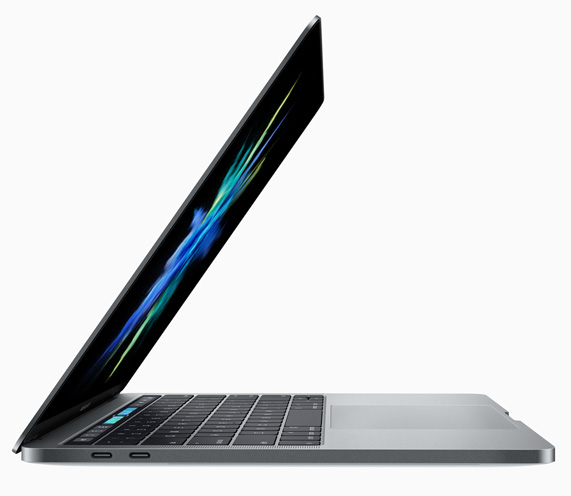
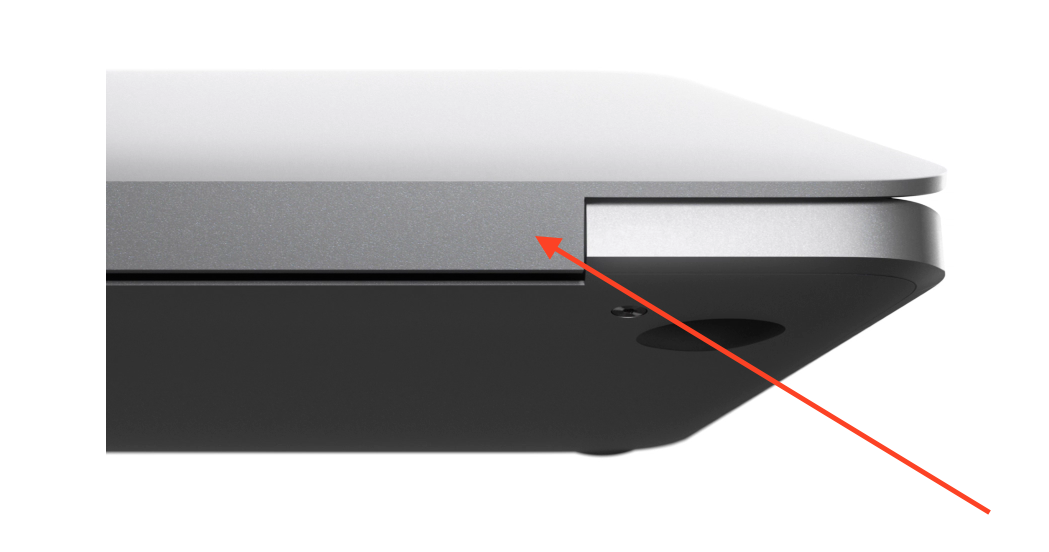

the 2016 MacBook Pro marked a major redesign. it introduced a thinner body, lighter weight, and the touch bar. to achieve this, internal components were redesigned to occupy less space.
the display cable was one of those components. instead of a longer cable with a gentle curve, engineers used a shorter flex cable that wrapped tightly around the hinge mechanism. while this worked initially, it left little room for stress distribution.
from a design perspective, the issue was not immediately visible. early testing cycles rarely match years of real-world usage. the vulnerability only became clear after widespread consumer use revealed premature cable wear.
Common Symptoms of Flexgate

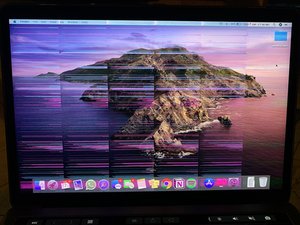
Flexgate does not usually appear suddenly. it progresses through recognizable stages.
early signs include uneven lighting at the bottom of the screen, often described as a stage light effect. users may notice that the display looks normal when the lid is partially open but darkens as it opens further.
as the cable degrades, flickering begins. eventually, the display may stop working entirely beyond a certain angle. in severe cases, the screen remains black regardless of lid position, while the laptop itself still runs.
recognizing these symptoms early can prevent unnecessary troubleshooting and help users make informed repair decisions.
Which MacBook Pro Models Are Affected
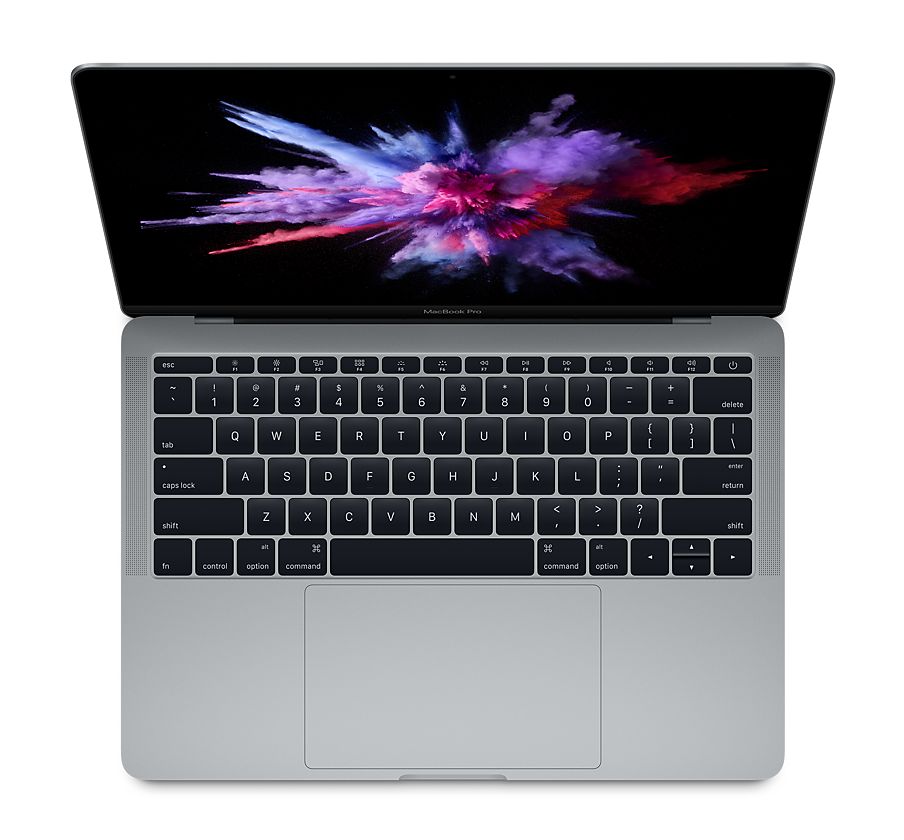
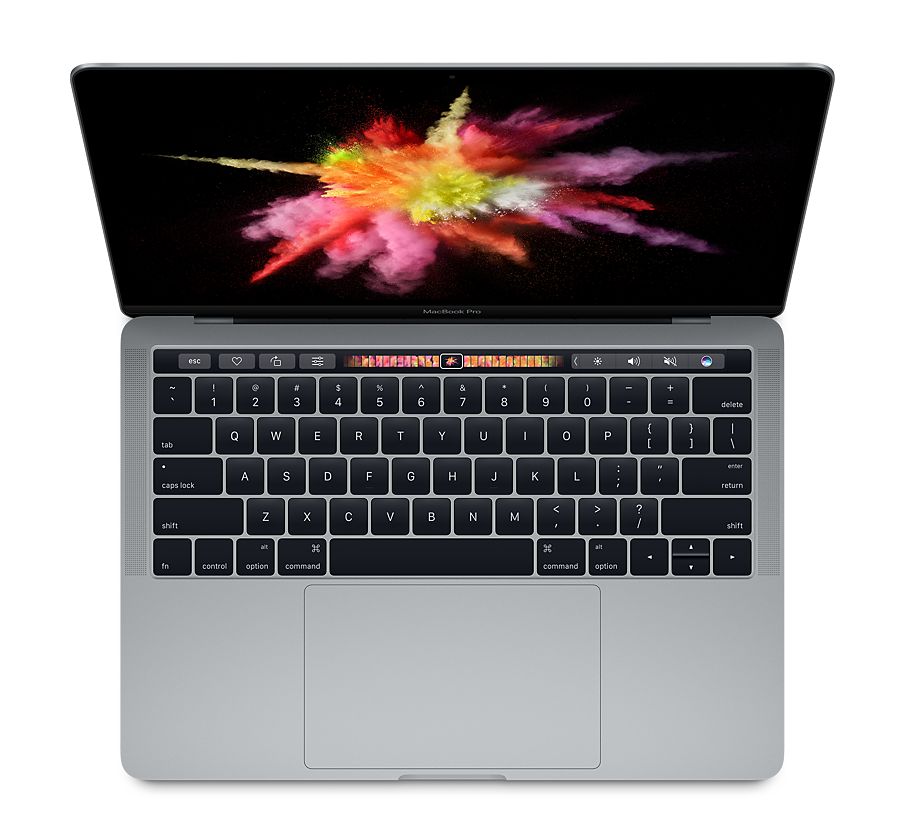
Flexgate primarily affects MacBook Pro models introduced in 2016 and some from 2017. both touch bar and non touch bar versions can experience the issue.
later models introduced incremental improvements to cable length, but the 2016 generation remains the most vulnerable. the issue does not typically affect earlier pre-2016 MacBooks, which used different hinge and cable designs.
users often confuse Flexgate with graphics chip failure. the key difference is that external monitors usually work fine when Flexgate is present, confirming the issue lies in the display connection.
Why Flexgate Is a Design Issue, Not User Error


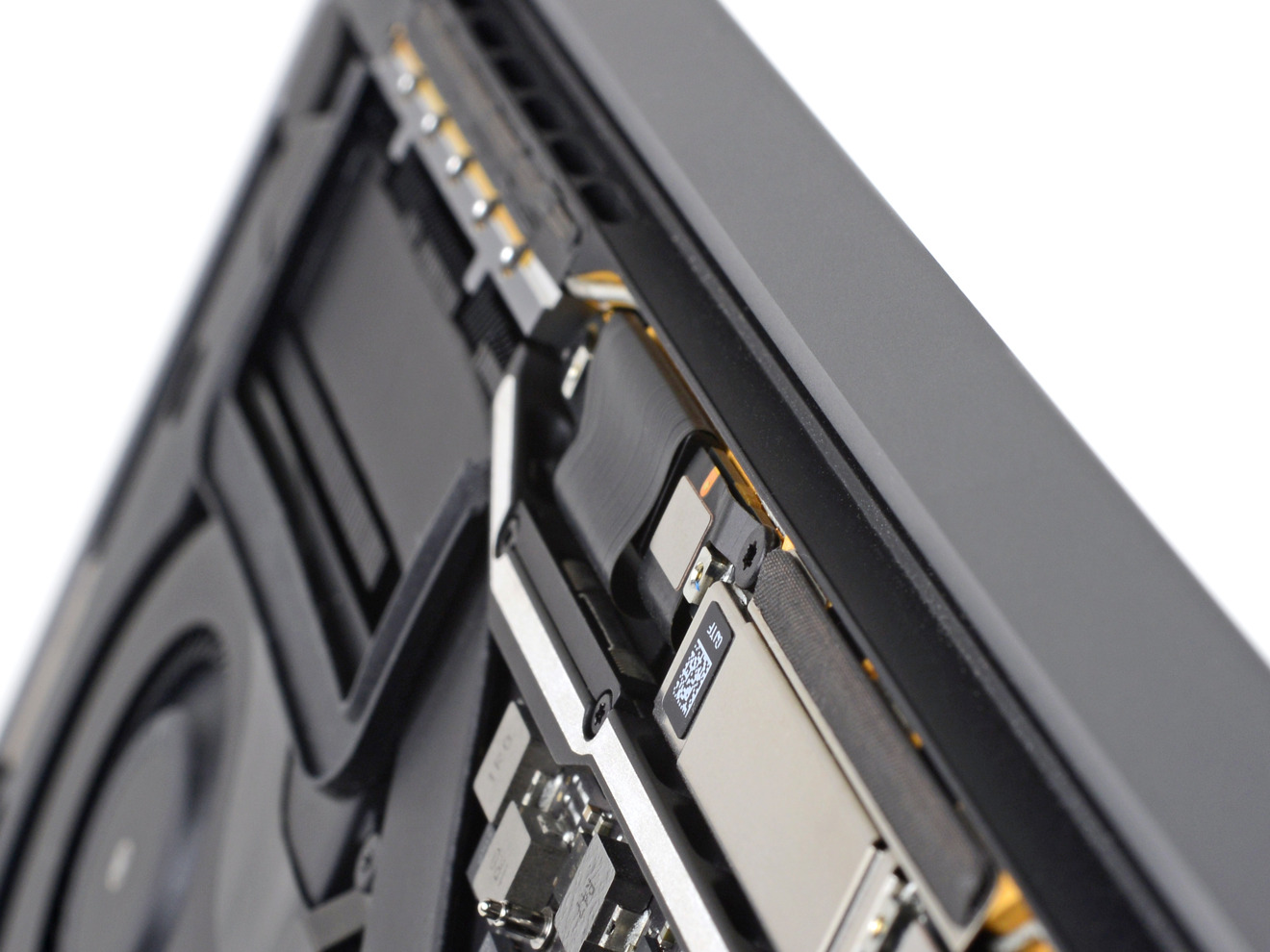
some users initially blamed themselves, assuming rough handling caused the problem. however, Flexgate occurs under normal usage conditions. opening and closing a laptop is not misuse.
the failure rate and consistency of symptoms across thousands of devices point to a design limitation. when a component is engineered with minimal tolerance, even standard usage can exceed its lifespan expectations.
this distinction matters because it shifts responsibility from the user to the design process. understanding this helps users make confident repair or replacement decisions without self-blame.
Diagnosing Flexgate at Home

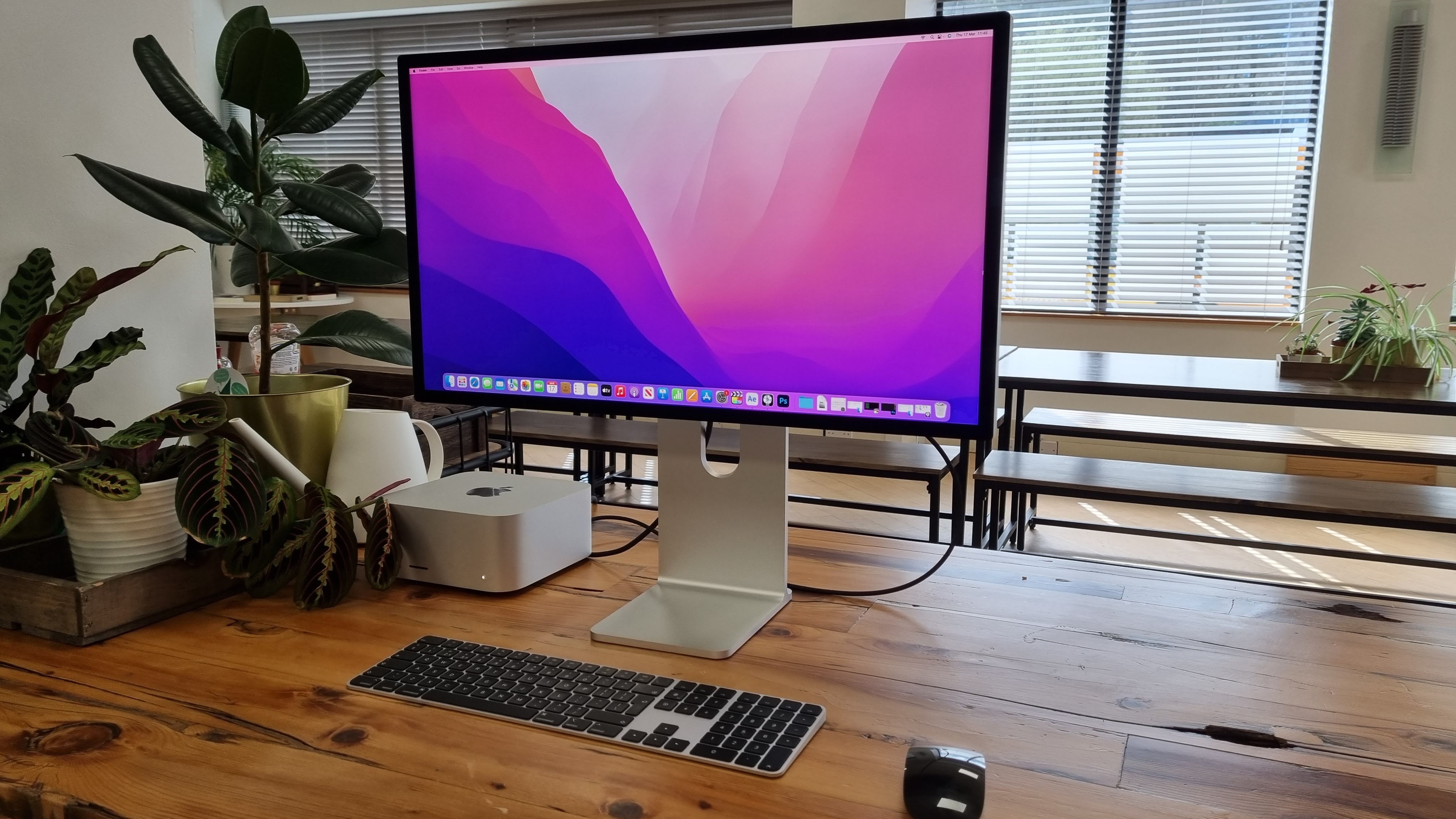
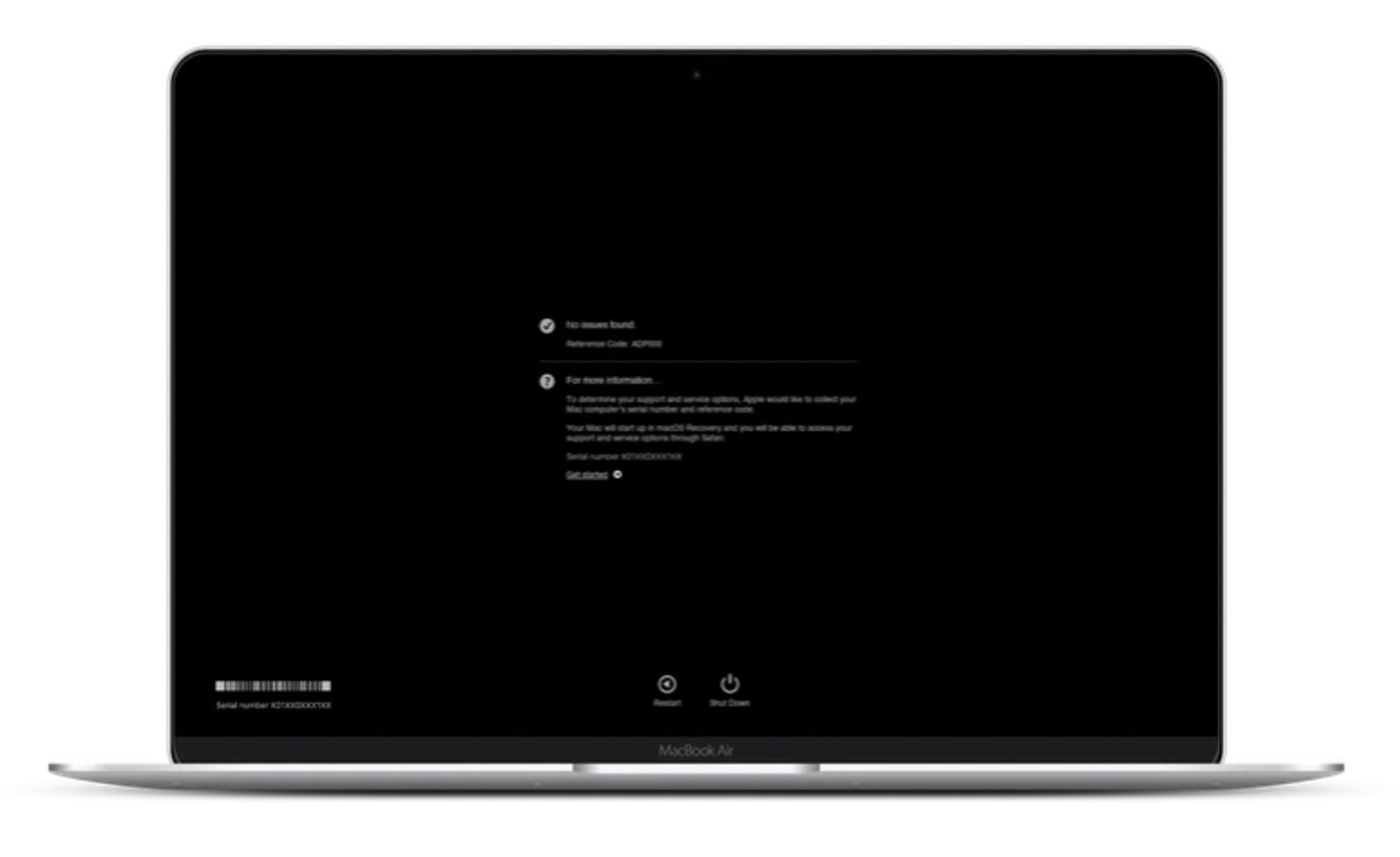
basic diagnosis does not require professional tools. opening the laptop slowly and observing brightness changes is often enough.
connecting an external display is another effective test. if the external screen works perfectly while the internal display flickers or stays dark, Flexgate is likely the cause.
these simple checks help avoid unnecessary software troubleshooting or system reinstalls, which do not resolve hardware cable failures.
Repair Options Explained in Detail



repairing Flexgate typically involves replacing the entire display assembly. this is because the flex cable is integrated into the screen unit and not designed to be replaced independently.
some third-party repair shops offer cable extension or reinforcement solutions. these repairs are less expensive but require skilled technicians and carry varying reliability.
official repairs are more expensive but restore factory integrity. the choice depends on budget, device age, and how long the user plans to keep the laptop.
Repair Comparison Table
| Repair Type | Cost Range | Longevity | Risk Level |
|---|---|---|---|
| Full display replacement | High | Long-term | Low |
| Cable reinforcement | Medium | Moderate | Medium |
| Temporary fixes | Low | Short | High |
Cost Considerations and Value Decisions

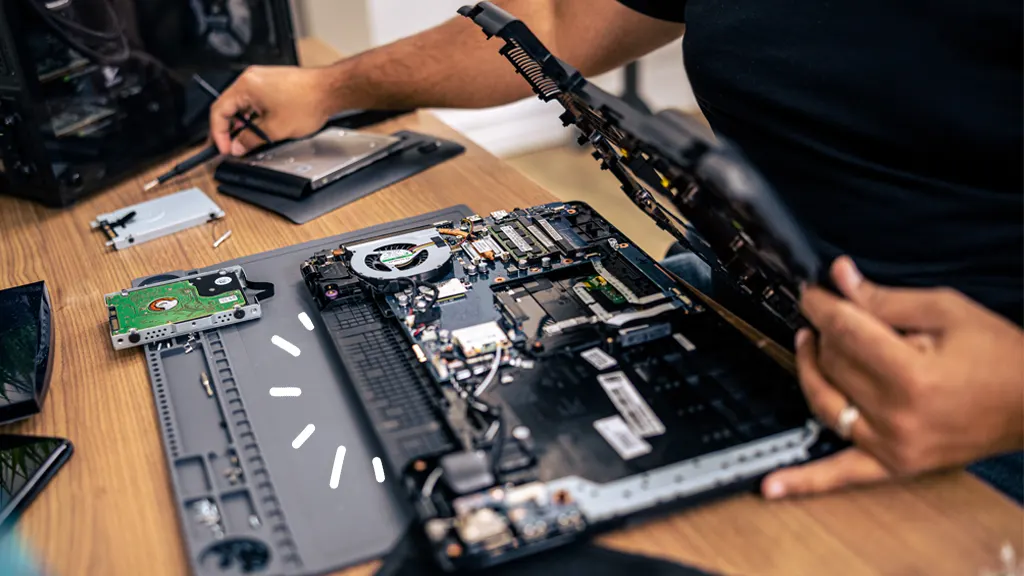

deciding whether to repair depends on overall system value. if the MacBook Pro is otherwise in good condition, repair can extend its life significantly.
for users considering resale, fixing Flexgate often increases value more than the repair cost. however, for heavily worn systems, investing in repair may not make financial sense.
evaluating storage size, battery health, and performance helps guide this decision logically rather than emotionally.
Why Apple Extended Repairs for Some Models
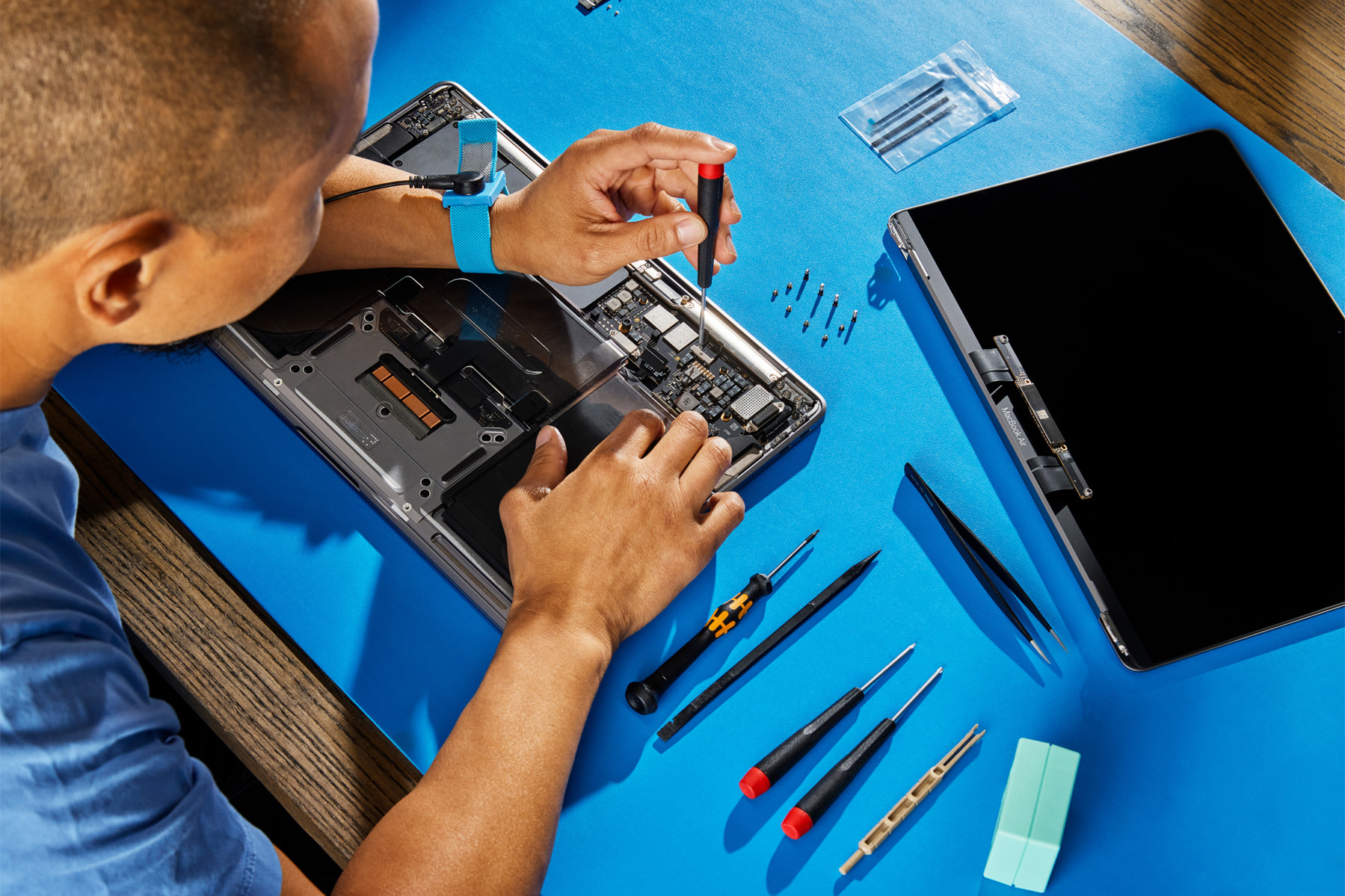
after widespread reports, Apple introduced limited repair programs for affected models. this acknowledgment reinforced that Flexgate was a design issue.
however, coverage was time-limited and model-specific. many users discovered the issue after eligibility expired, leading to frustration.
this highlights an important lesson about hardware support cycles and the importance of early diagnosis.
Long-Term Impact on Laptop Design
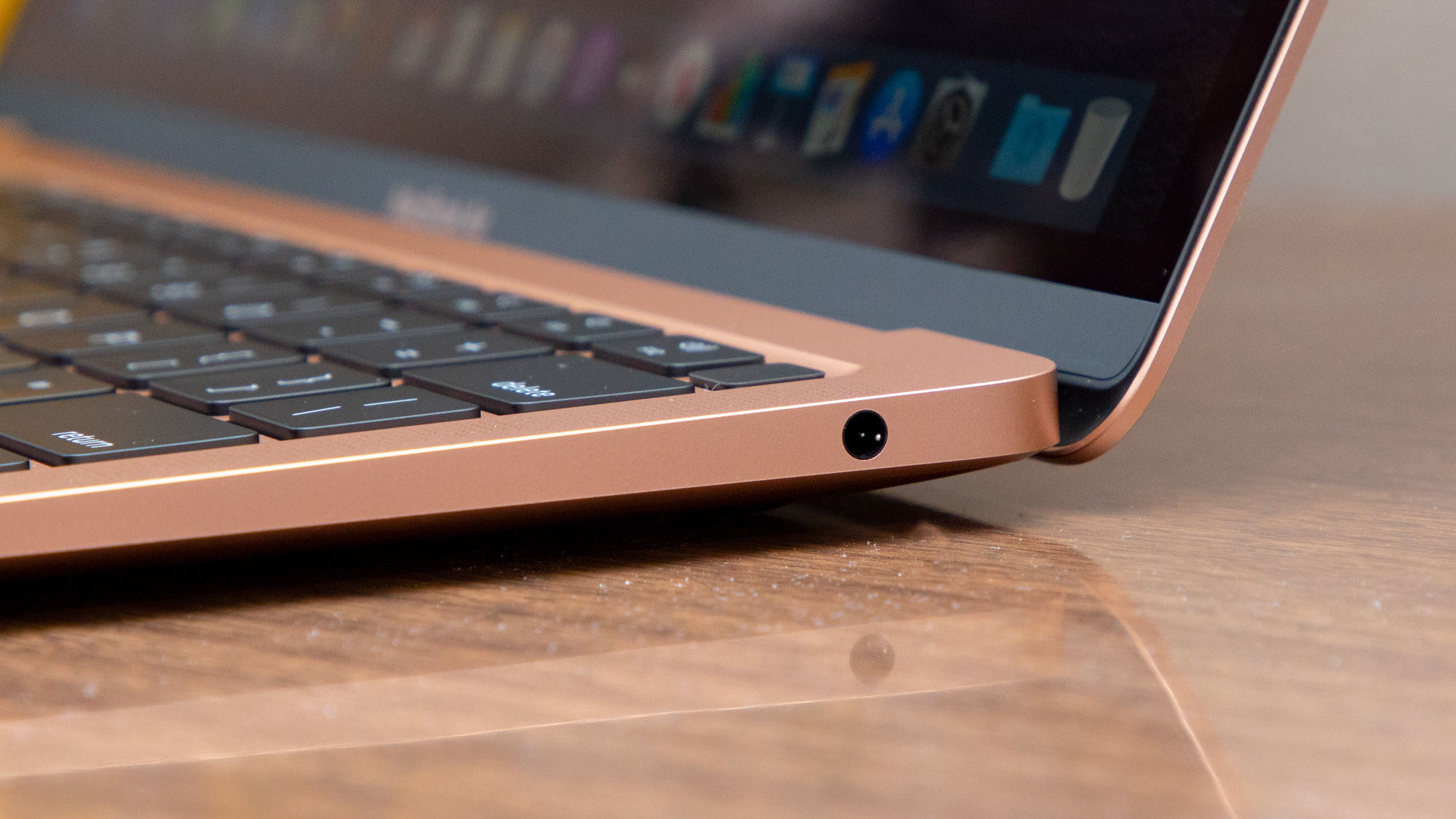
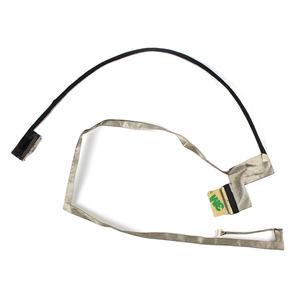

Flexgate influenced future laptop designs. later models featured longer, more flexible cables and revised hinge routing.
the incident demonstrated that extreme thinness can introduce hidden reliability costs. manufacturers now balance slim design with durability more carefully.
as someone who has followed laptop hardware trends closely, Flexgate stands out as a turning point in design philosophy.
Preventing Flexgate in Daily Use
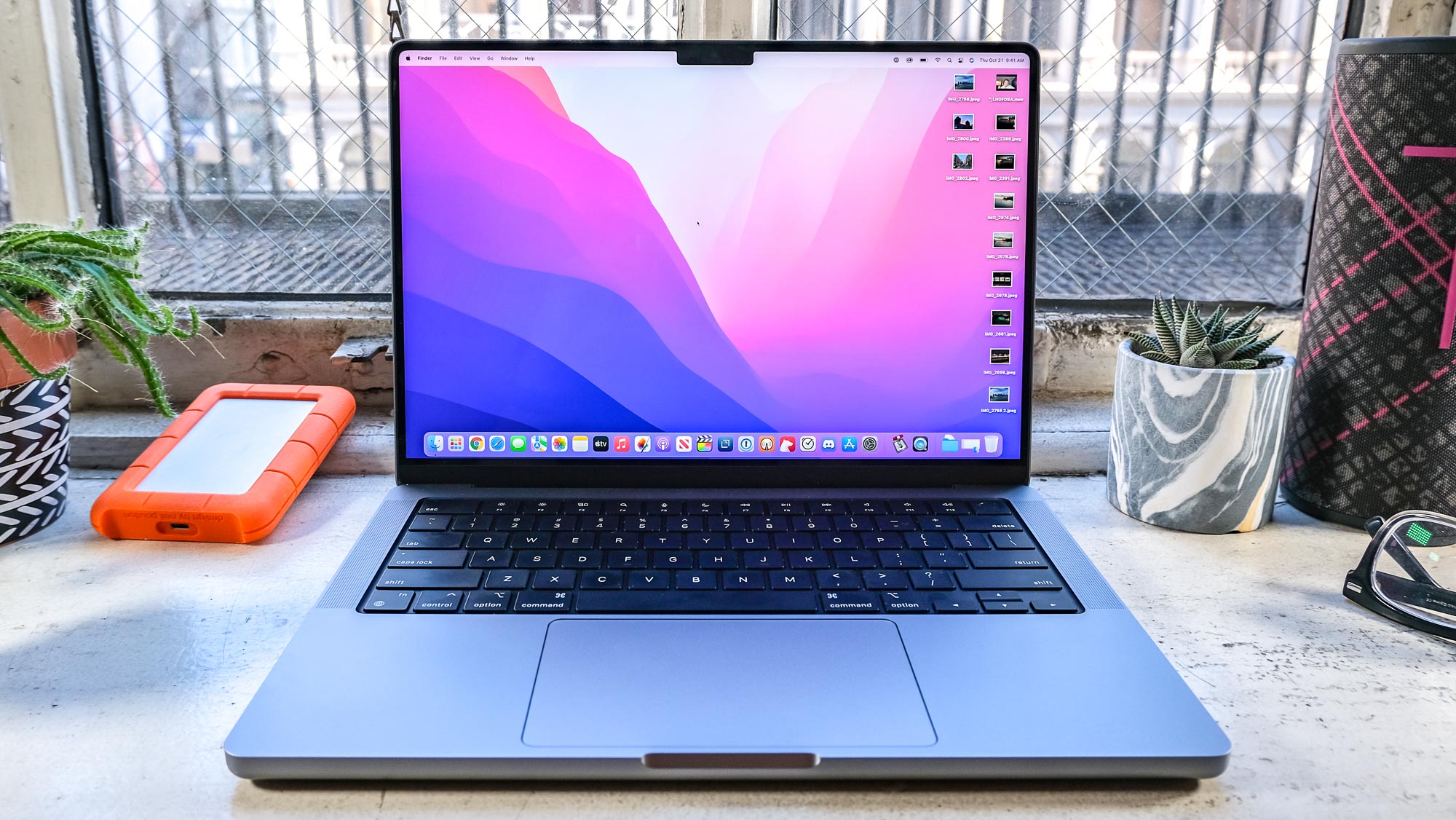
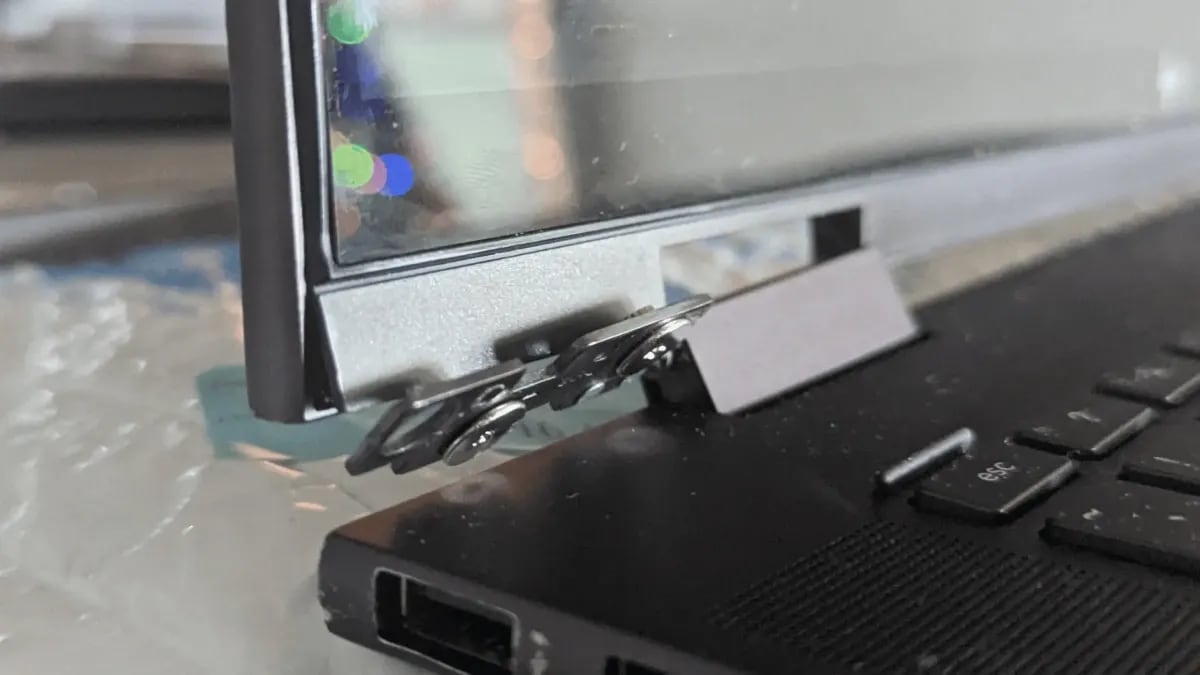
while Flexgate cannot be fully prevented, gentle handling may slow progression. opening the lid evenly and avoiding extreme angles reduces stress.
keeping the hinge clean also helps. dust and debris can increase resistance, forcing the cable to bend more sharply.
these habits do not eliminate risk but may extend usable life.
Flexgate vs Other MacBook Display Issues


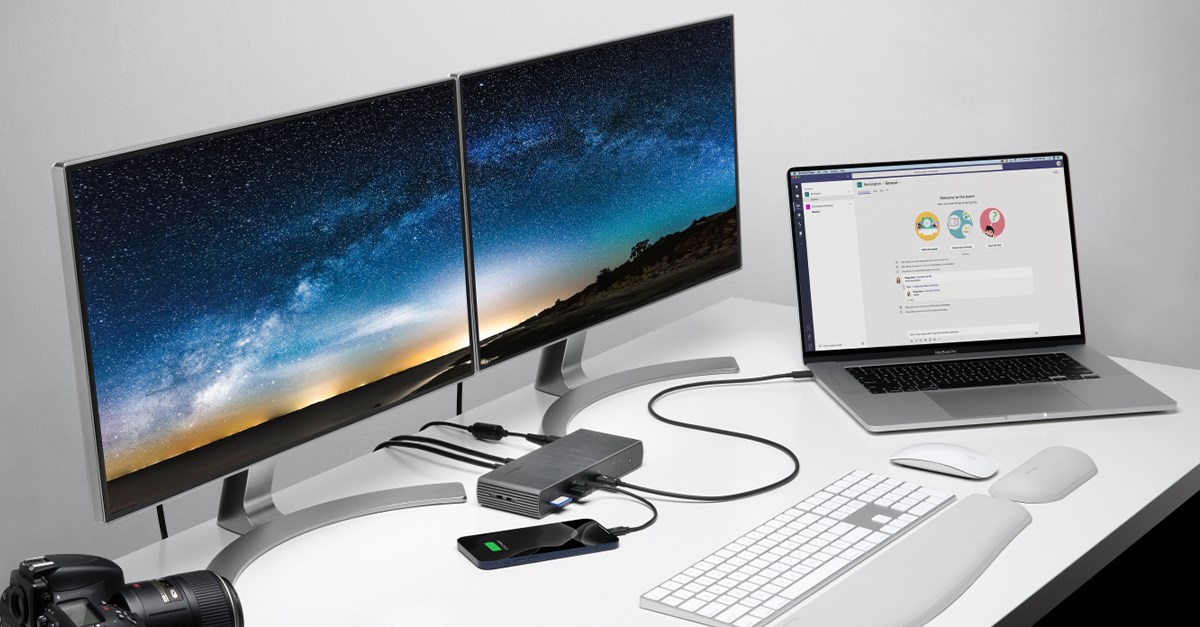
Flexgate is often confused with backlight failure or graphics problems. the key distinction lies in angle sensitivity.
if display behavior changes with lid movement, Flexgate is likely. if issues appear regardless of angle, other causes may be responsible.
accurate identification prevents unnecessary repairs and expenses.
Lessons for Buyers of Used MacBook Pros
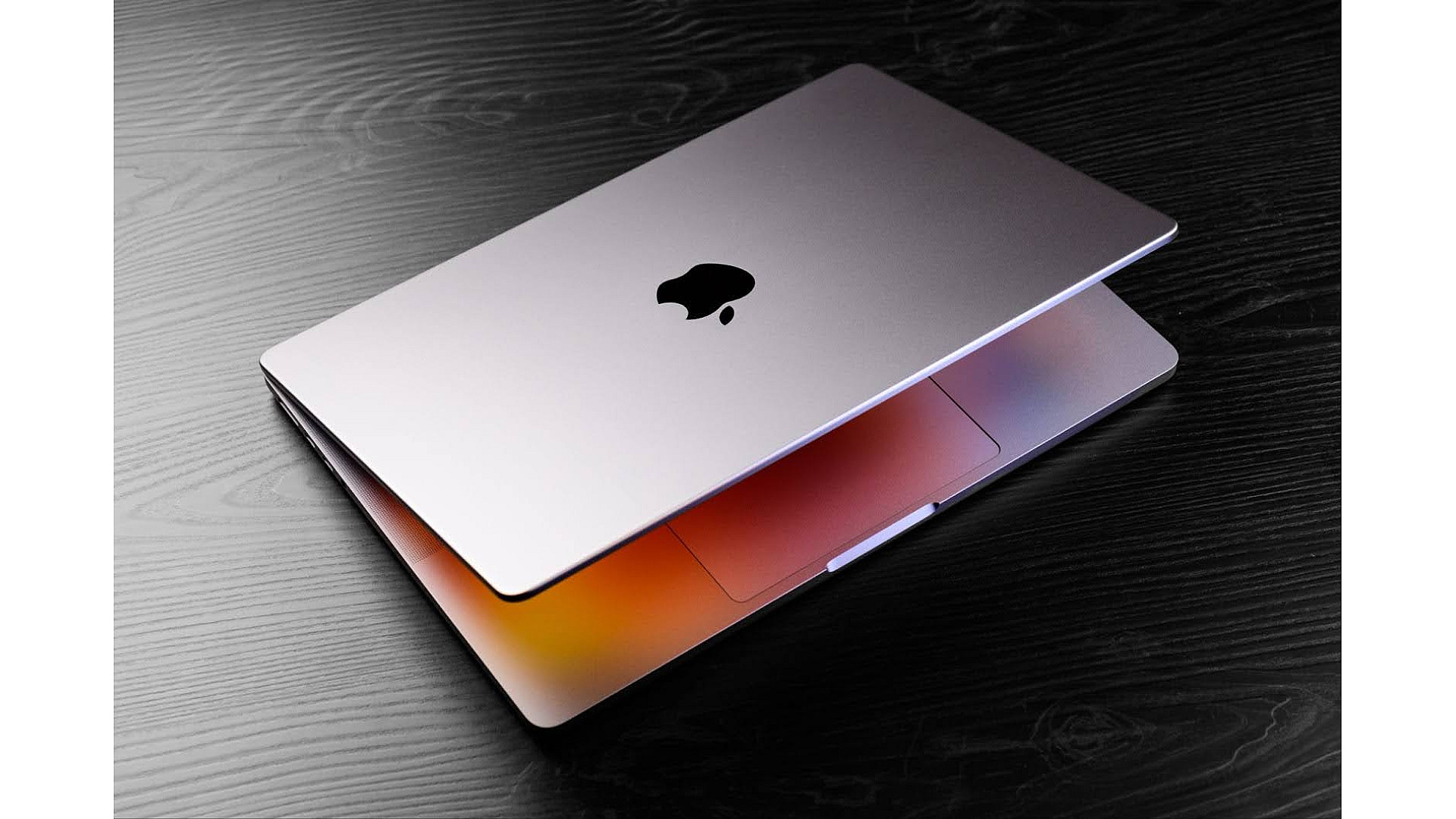


anyone buying a used 2016 MacBook Pro should test the display thoroughly. open and close the lid slowly and observe brightness.
checking repair history is equally important. a replaced display usually resolves Flexgate permanently.
these checks protect buyers from unexpected repair costs.
Key Takeaways
- Flexgate is a hardware cable failure, not software related
- it mainly affects 2016 MacBook Pro models
- symptoms progress gradually and are angle-dependent
- full display replacement is the most reliable fix
- the issue influenced future laptop design decisions
- early diagnosis saves time and money
Conclusion
Flexgate MacBook Pro 2016 remains a powerful example of how small design decisions can have long-term consequences. the issue was not caused by misuse or neglect. it emerged from pushing hardware limits in pursuit of thinness.
through understanding Flexgate, users gain clarity rather than frustration. knowing what causes the problem, how to identify it, and how repairs work empowers better decisions.
while the 2016 MacBook Pro is still a capable machine, Flexgate reminds us that durability matters as much as innovation. for users and designers alike, the lesson is clear: technology should serve real-world use, not just design ideals.
Read: vRealize Infrastructure Navigator: Deep Insight Into Application Dependencies
FAQs
What is Flexgate in MacBook Pro 2016
Flexgate is a display failure caused by a worn flex cable connecting the screen to the logic board.
Can Flexgate be fixed permanently
yes, replacing the entire display assembly usually resolves the issue long-term.
Does Flexgate affect external monitors
no, external displays typically work normally because the graphics system remains functional.
Is Flexgate caused by rough handling
no, it occurs under normal open and close usage.
Should i repair or replace my MacBook Pro
this depends on overall condition, repair cost, and how long you plan to keep the device.