
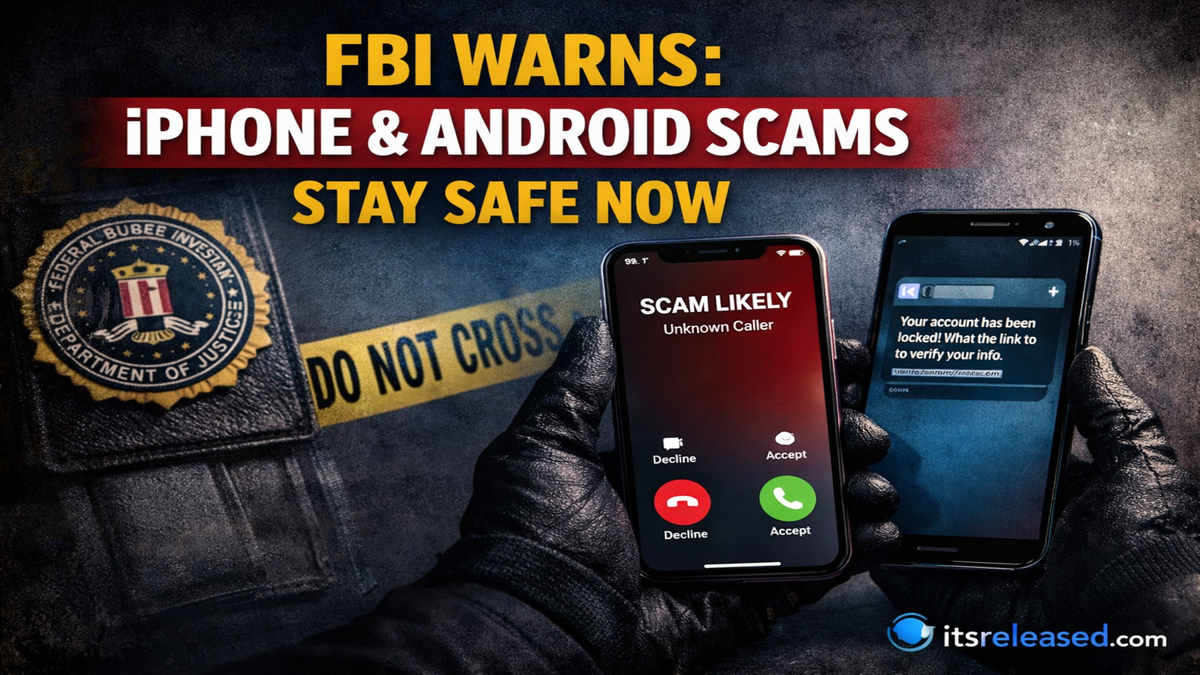
I have seen how quickly mobile scams evolve, and it is clear that smartphone users must stay alert every single day. Criminals no longer rely on simple spam emails. They now use advanced tactics that directly target iPhone and Android users through calls, texts, apps, social media, and even fake system alerts. In recent years, warnings about smartphone scams have grown stronger because attackers continue to exploit trust, urgency, and fear. Understanding how these scams work is the first and most powerful step toward protecting your personal information, finances, and digital identity.
Why Smartphone Scams Are Increasing
Smartphones have become central to everyday life. We use them for banking, shopping, messaging, storing photos, managing work accounts, and controlling smart home devices. Because so much sensitive information is stored on a single device, it becomes an attractive target for cybercriminals.
Scammers focus on mobile devices for several reasons. First, people tend to respond quickly to phone notifications without verifying authenticity. Second, mobile screens are smaller, making it harder to inspect suspicious URLs or email addresses. Third, users often connect to public Wi Fi networks, which can increase vulnerability. Finally, many people assume their devices are automatically secure, which leads to reduced caution.
The rise of digital payments, cryptocurrency transactions, and instant money transfers has also created new opportunities for fraud. Attackers design schemes that pressure victims into acting fast, leaving little time for careful thinking. As a result, both iPhone and Android users must adopt proactive security habits.
Most Common iPhone and Android Scams
Phishing Text Messages

Phishing through text messages, often called smishing, is one of the fastest growing threats. In these scams, criminals send messages that appear to come from banks, delivery services, government agencies, or well known companies. The message typically claims there is an urgent issue, such as a suspicious charge, missed package delivery, or account suspension.
The text includes a link that directs users to a fake website designed to look legitimate. Once victims enter login details, credit card information, or verification codes, the scammers immediately capture that data. Some links may also install malicious software that monitors activity or steals saved passwords.
Fake Tech Support Alerts
Another widespread scam targets fear of device compromise. Users may receive pop ups claiming their iPhone or Android device has been infected with a virus. The alert often instructs them to call a number for immediate assistance. When they call, a fake representative pressures them to grant remote access or pay for unnecessary services.
These scams work because they create panic. People fear losing personal photos, messages, and financial access. However, legitimate operating systems do not display random phone numbers for support through pop ups in web browsers.
Impersonation Scams
Scammers frequently pretend to be trusted institutions. They may impersonate tax authorities, law enforcement officers, utility providers, or even family members. In some cases, attackers use caller ID spoofing to make their number appear legitimate.
Impersonation tactics usually involve urgency and threats. Victims are told they must pay a fine, verify identity, or transfer funds immediately to avoid arrest, account closure, or service disruption. Emotional manipulation is the core strategy behind these schemes.
App Store and Malware Threats
While official app stores apply security screening, malicious applications occasionally slip through. Fake apps may imitate popular games, banking tools, or productivity platforms. Once installed, they request excessive permissions, access contacts, or track activity.
Android devices, due to flexible installation settings, may also be exposed to apps from unknown sources if users disable security restrictions. iPhone devices, although more controlled, can still be targeted through configuration profiles or enterprise distribution methods used improperly.
Cryptocurrency and Investment Scams
Digital currency has created new fraud opportunities. Scammers promise guaranteed returns, insider trading access, or exclusive investment groups. They often contact victims through social media or messaging apps. After building trust over time, they persuade targets to transfer funds to fraudulent trading platforms.
These scams can be sophisticated and may include fake dashboards showing fabricated profits. Victims only realize the deception when they attempt to withdraw funds and encounter delays or additional payment demands.
How Scammers Target iPhone vs Android Users
Although both platforms face similar threats, attackers sometimes tailor their techniques based on device type. The table below highlights key differences in targeting methods.
| Threat Type | iPhone Users | Android Users |
|---|---|---|
| Phishing SMS | Fake Apple ID alerts | Fake Google account alerts |
| App Based Malware | Rare but possible via profiles | Higher risk via unknown app installs |
| System Pop Ups | Browser based alerts | Browser and app based alerts |
| Configuration Exploits | Malicious profile downloads | APK file installations |
| Remote Access Scams | Fake support impersonating device brand | Fake support claiming Google services |
Despite these variations, the root strategy remains the same. Criminals exploit trust in recognizable brands and create urgency to push victims into quick action.
Psychological Tactics Behind Mobile Scams
Understanding the psychology behind scams helps explain why intelligent individuals still fall victim. Cybercriminals rely on emotional triggers that override rational thinking.
Urgency and Fear
Messages often claim limited time to act. Whether it is a frozen bank account or unpaid tax notice, urgency pressures victims to respond immediately. Fear reduces critical analysis and increases compliance.
Authority and Trust
Impersonation of official institutions gives scammers perceived credibility. When a message appears to come from a government agency or major corporation, people tend to assume legitimacy.
Scarcity and Opportunity
Investment scams often highlight exclusive opportunities. Victims believe they are receiving privileged access, which triggers excitement and reduces skepticism.
Social Proof
Some fraudsters show fake testimonials or screenshots of profits. Seeing others supposedly succeed creates a false sense of validation.
Warning Signs You Should Never Ignore
Several red flags consistently appear in smartphone scams. Recognizing these patterns can prevent financial and identity loss.
Unsolicited messages requesting personal information are suspicious by default. Legitimate organizations rarely ask for passwords, full Social Security numbers, or verification codes through text messages. Spelling errors, strange grammar, and unusual website addresses are additional indicators.
Another strong warning sign is pressure to move conversations off official platforms. If someone directs you from a secure app to a personal messaging service to complete a transaction, caution is necessary.
Unexpected payment methods also signal fraud. Requests for gift cards, wire transfers, cryptocurrency, or prepaid debit cards are common tactics because they are difficult to trace or reverse.
Steps to Protect Your iPhone or Android Device

Enable Two Factor Authentication
Two factor authentication adds an extra layer of protection. Even if a scammer obtains your password, they cannot access your account without the secondary verification code. This simple step significantly reduces unauthorized access risk.
Keep Software Updated
Operating system updates often include security patches. Delaying updates leaves devices exposed to known vulnerabilities. Enable automatic updates whenever possible.
Avoid Clicking Suspicious Links
If you receive a message about a financial issue, contact the company directly using official contact information. Do not rely on links provided in unsolicited texts or emails.
Review App Permissions
Regularly check which apps have access to location, camera, microphone, and contacts. Remove permissions that seem unnecessary for the app’s function.
Use Strong and Unique Passwords
Password reuse increases risk. If one account is compromised, attackers attempt the same credentials on other platforms. Use long, complex passwords and consider a reputable password manager.
What To Do If You Become a Victim
Despite best efforts, scams can still happen. Immediate action reduces damage.
First, disconnect the device from the internet to prevent further data transmission. Next, change passwords for affected accounts using a secure device. Contact your bank or credit card provider if financial information was shared.
Monitor financial statements closely for unauthorized transactions. Enable fraud alerts if available. If identity details were exposed, consider placing a credit freeze to prevent new account openings.
Finally, report the incident to appropriate authorities. Reporting helps track scam patterns and protect others.
The Role of Parents and Businesses
Mobile scams affect more than individuals. Families and organizations must implement structured protection strategies.
Protecting Children and Teens
Young users often trust online interactions. Parents should discuss scam awareness openly and encourage children to consult an adult before sharing information or making online payments. Device controls and monitoring tools can provide added safety.
Business Mobile Security
Employees frequently access corporate systems through personal devices. Organizations should enforce mobile device management policies, require encrypted connections, and conduct regular cybersecurity training sessions. Strong internal protocols reduce exposure to phishing attacks targeting staff members.
The Future of Mobile Scam Prevention
Technology continues to evolve, and so do security measures. Artificial intelligence now helps detect unusual account activity and block suspicious transactions in real time. Biometric authentication such as fingerprint and facial recognition adds additional protection layers.
However, no technology can fully replace human awareness. Education remains the strongest defense against manipulation. Users who stay informed and skeptical of unsolicited requests significantly reduce their risk of falling victim.
Mobile scams targeting iPhone and Android users are not temporary threats. They are ongoing challenges shaped by innovation and opportunity. By understanding tactics, recognizing warning signs, and practicing safe digital habits, individuals can confidently protect their devices and personal data.
Click Here For More Blog Posts!
FAQs
1. Are iPhones safer than Android devices from scams?
Both platforms offer strong security features. The difference often depends on user behavior. Careful browsing, updating software, and avoiding suspicious downloads matter more than the device brand.
2. Can opening a text message infect my phone?
Simply opening a text usually does not cause infection. However, clicking malicious links or downloading attachments can compromise your device.
3. How can I verify if a message from my bank is real?
Contact your bank directly using the official phone number listed on its website or your bank card. Avoid using links provided in the suspicious message.
4. Should I install antivirus software on my smartphone?
Security apps can add extra protection, especially for Android devices. However, safe browsing habits and system updates remain the most important defenses.
5. What is the safest way to handle unknown calls?
Let unknown calls go to voicemail. , verify independently before responding or sharing information.